Permafrost Co-op: How to Host and Join Multiplayer
Official developer steps to host a Permafrost co-op world, find a friend's session, change Private settings and solve missing lobbies.
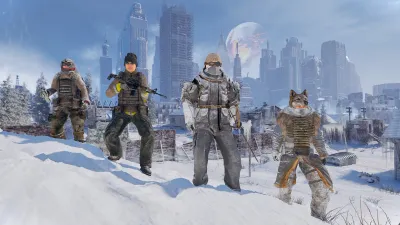
How to host multiplayer (developer instructions)
- In the main menu choose Play → Host Multiplayer.
- Select an existing world to continue, or create a new world.
- Set a password if desired, and privately share it with your friends.
- Set Max players to accommodate your group. Permafrost officially supports up to four players total in online co-op.
- Set Private = OFF if you want friends to find the session in the lobby browser.
- Start the session and wait until the world has finished loading.
Important: Loading a world in Solo / Single Player does not create a multiplayer session. You must choose Host Multiplayer each time you intend to let others join.
How friends join the world
- Select Play → Join Multiplayer Sessions.
- Find your friend’s session name.
- Enter the password if prompted.
- Wait for the host’s world to load. You are joining the host’s world, not importing your solo game.
These steps are taken from the developer-badged pinned Steam co-op guide, dated October 9, 2026.
Fix a missing or failed session
| Symptom | What to verify first |
|---|---|
| Friend cannot see the game | Host used Host Multiplayer, not Solo; Private OFF |
| Password not accepted | Correct current password, no extra spaces |
| Session full | Check the max-player setting |
| Character appears missing | Host loaded the same world as last session |
| Join fails with an error | Both players update the game, restart and retry |
When none of these help, post the exact error, host/joiner role and failing step in the official Bug Reporting forum—do not post your password.
Does a friend use my own saved character?
According to the developer, characters are tied to a world. Your solo character does not automatically carry into another player’s world. Agree on who will host your longer campaign and return to that same world for later sessions.
If you are new, work through the first-hour guide and save/respawn explanation before relying on a long shared save. See the Steam information page for official platform and mode badges; this is currently a PC co-op game, not confirmed console crossplay.
Related Articles
Was this helpful?
Thanks for the feedback!